Hardware Built for AI Workloads in AECO
Your tools are already utilizing AI – is your hardware built for it?
Hardware Built for AI Workloads in AECO
Your tools are already utilizing AI – is your hardware built for it?
AI is officially embedded in modern AECO workflows. Tools like Autodesk Forma, Autodesk Assistant, Revit, and Civil 3D alongside custom local LLMs, point cloud classification, and real-time rendering are changing the way firms build, but they are only as fast as the hardware they’re running on.
While these tools unlock incredible speed and efficiency, they demand something your current tech stack wasn’t built for: sustained performance under massive dual workloads.
Hardware for AI: High Demands, Low Speed
Modern AECO workflows now force your computer to pull into two opposite directions:
Classic BIM
Software like Revit, AutoCAD, and Rhino relies on fast single-threaded CPU clock speeds for responsive modeling.
AI Workflows
Local AI inference, reality capture, and real-time rendering consume massive amounts of GPU power and VRAM for minutes or hours at a time.
The Hidden Problem: Thermal Throttling
AI workloads don’t operate in quick bursts like with opening a model. They run long and heavy.
Workstations from big-brand builders overheat under this continuous load. To prevent damage to hardware components, these systems automatically slow down — a process called thermal throttling. Some builders even cap boost clocks below the processor’s rated speed to keep temperatures in check.
Utilizing AI is exactly what exposes your computer to thermal throttling, and it’s the single biggest reason two machines with identical spec sheets can post wildly different real-world numbers.
With the Revit RFO benchmark, which measures how much time it takes to complete real AEC tasks, we ran our BIMBOX Stryker V desktop up against a conventionally cooled desktop using the same processor.
The results? The conventionally cooled desktop finished 33% slower due to thermal throttling.
Same chip, same on-paper specs, and a third of the productivity gone to heat.
Just imagine trying an AI inference job in a full BIM model on a system that already throttles under Revit alone. You’re met with spinning cursors, dropped frames, and jobs that take twice as long as the demo promised.
Engineered for AI Workflows

At BIMBOX, our core engineering focus has always been advanced cooling. As it turns out, that’s the exact solution AI workflows demand.
Delidded Processors
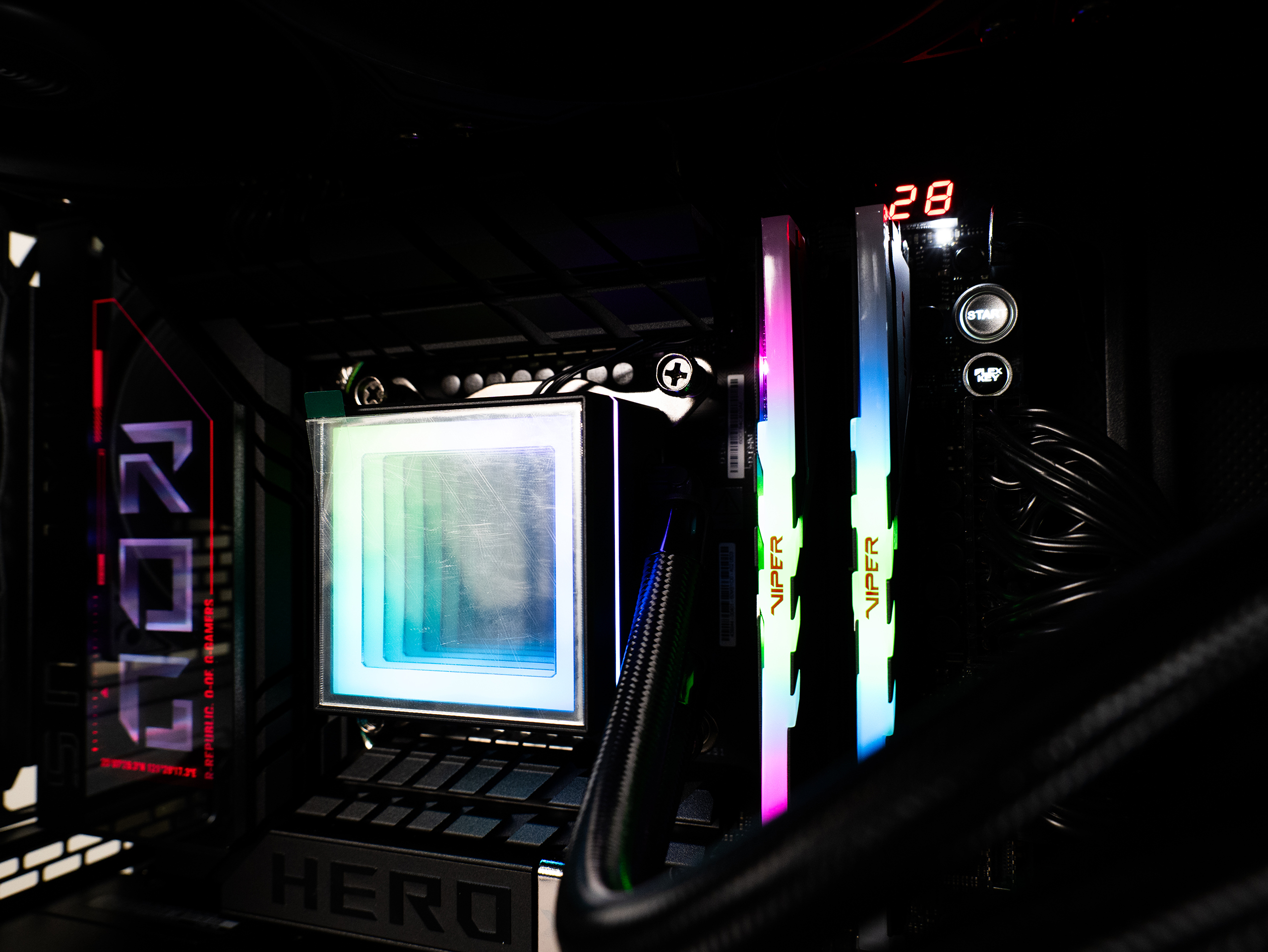
We physically optimize cooling on our Stryker V systems by delidding the processor, physically removing the heat spreader that is already thermally inefficient by Intel’s design. This one step drops CPU temperatures by roughly 20°C under load and allows us to sustain fully rated clock speeds instead of quietly capping them.
Custom Direct-Die Cooling
With a 360mm direct-die custom loop, the delidded Intel Core 9 Ultra 285K on the Stryker V sustains +5.3 GHz all-core clock, which is exactly the kind of thermal engineering that lets a system hold its numbers instead of chasing them.
Proven Performance
In real-world Revit RFO benchmark testing, BIMBOX delivered a 33% productivity gain over conventionally cooled competitors using the exact same processor.
BIMBOX doesn’t just give you a faster spec sheet.
It delivers hardware engineered to run at 100% capacity, even while running a heavy AI job next to an active BIM session for hours at a time.
One lineup. Purpose-Built for AI in AECO.
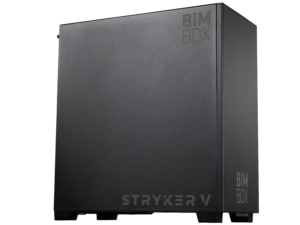
Stryker V
AI & BIM Powerhouse
Designed for heavy local AI inference, generative design, and real-time visualization alongside BIM models.
CPU
CPU: Delidded Intel Core 9 Ultra 285K at +5.3 GHz all-core (up to 5.8 GHz single-core) on a custom 360mm direct-die custom loop.
GPU
GPU: Up to NVIDIA RTX 5090 with 32GB VRAM and over 3,300 TOPS of AI compute.
RAM
Memory: Up to 128 GB DDR5 6000MHz
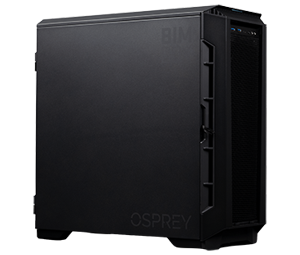
Osprey
Reality Capture & Point Cloud Powerhouse
Engineered to chew through 1TB+ of weekly scan data, turning hours of processing into minutes.
CPU
CPU: AMD Threadripper Pro 9980X (up to 64 cores) with custom 360mm liquid cooling
GPU
GPU: Up to NVIDIA RTX 5090 with 32GB VRAM and over 3,300 TOPS of AI compute.
RAM
Memory: Up to 256GB DDR5 ECC 5600Mhz
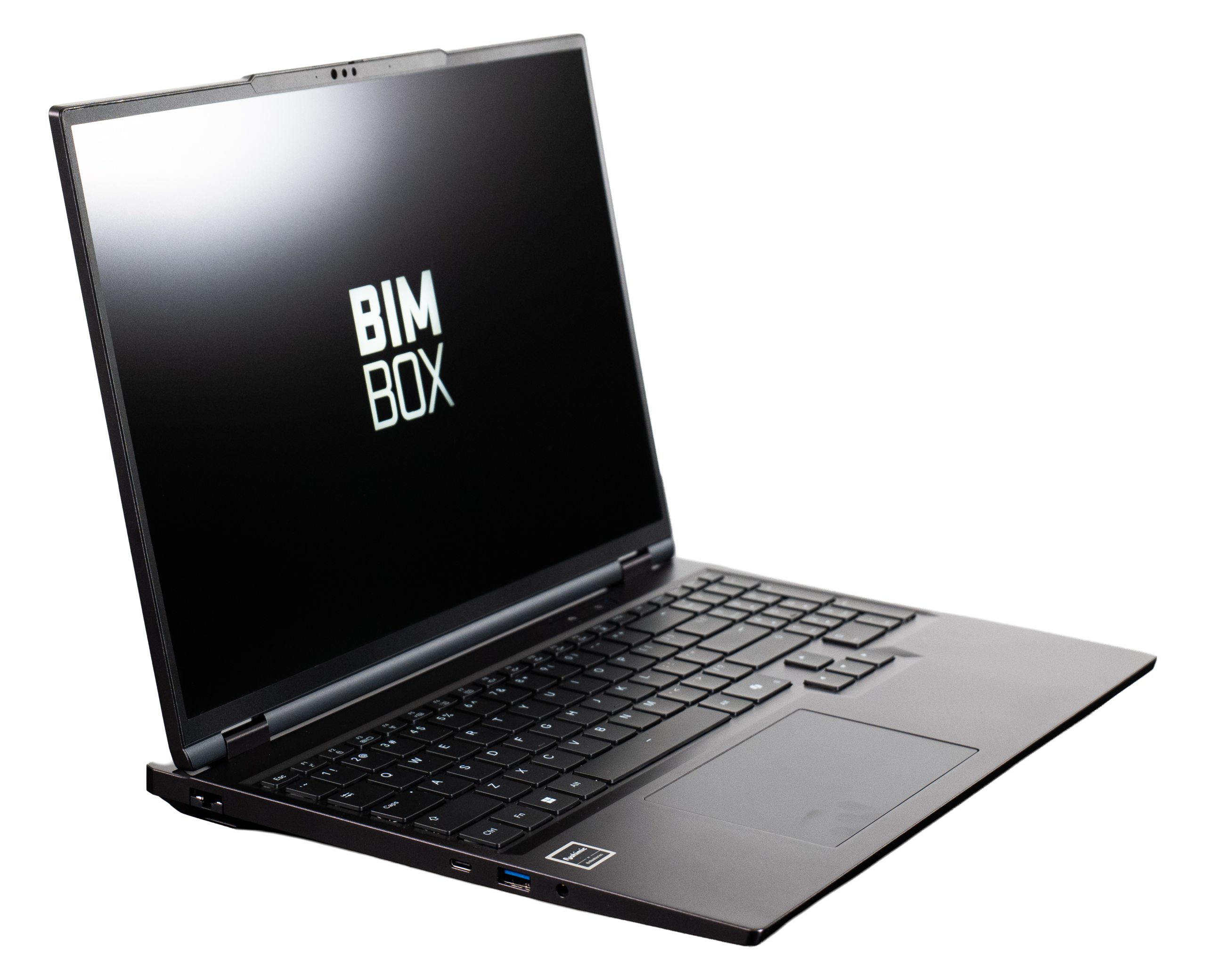
Pro 16, Slim 16, and Lite 16
Mobile Workstations
Full AI-ready performance in a lightweight (5.5 lb) mobile chassis for field VDC and hybrid teams.
GPU
GPU: Scaling from RTX 5060 (Lite) to RTX 5070 Ti (Slim) up to RTX 5090 with 24GB VRAM (Pro)
CPU
CPU: Intel Core 9 Ultra 275HX across all models
Your AI Roadmap Starts with the Right Foundation
You can deploy the best AI software and workflows in the industry, but if your hardware throttles, your investment stalls. At BIMBOX, we can help set the foundation for your AI strategy with hardware engineered to handle the heat.